How to Enter Pairing Mode on Marshall Major V Headphones
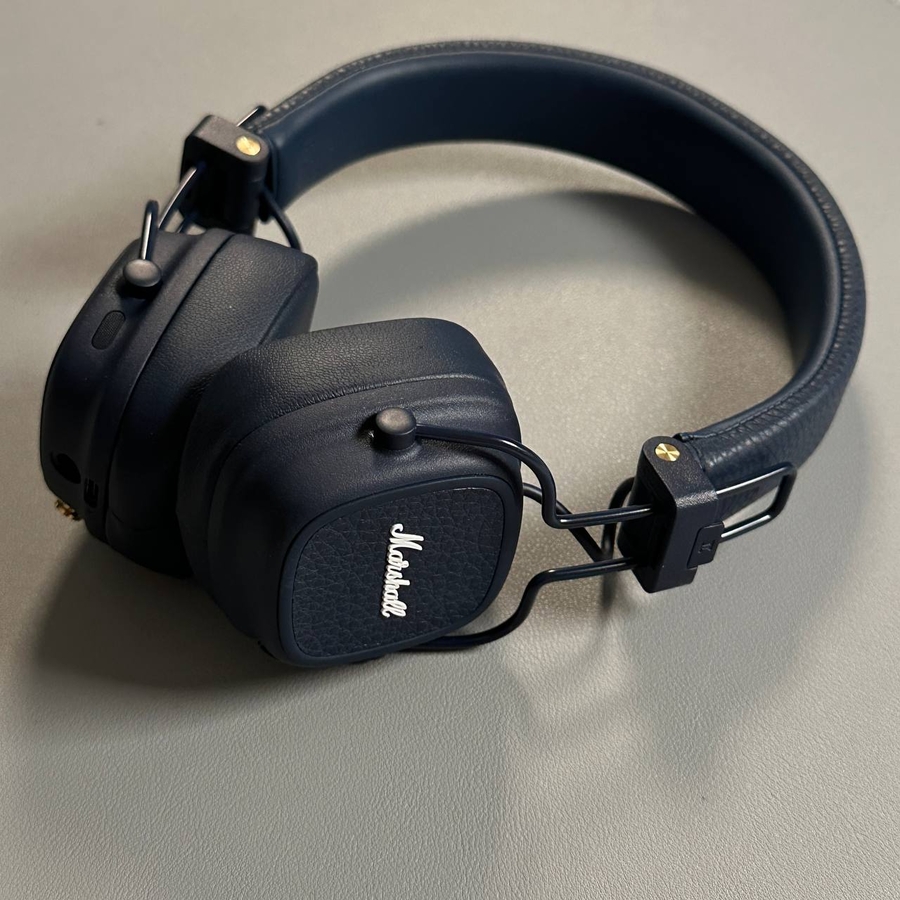
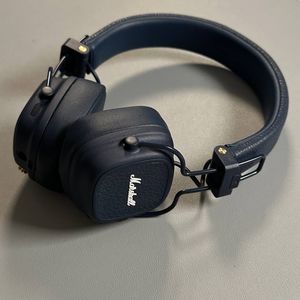
The Marshall Major V headphones offer an excellent audio experience by providing an easy way to connect wirelessly to your devices. Whether your headphones are off or already on, entering pairing mode is a simple process that will make them discoverable via Bluetooth. This guide will walk you through each step to ensure your headphones connect smoothly.
Step 1: Enter Pairing Mode on Your Headphones (When Off)
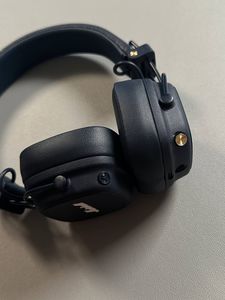
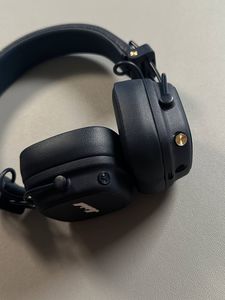
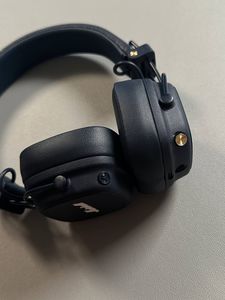
If your Marshall Major V headphones are currently turned off, you will need to place them into pairing mode. Start by pressing and holding the multifunctional button located on the right ear cup. Keep holding the button until you see the LED light near the USB-C port begin to blink blue. This visual cue indicates that your device is now ready to pair and can be discovered by other Bluetooth-enabled hardware, like smartphones or computers.


Step 2: Enter Pairing Mode (When On)
On the other hand, if your headphones are already powered on, you can still quickly switch them into pairing mode. To do this, simply press the multifunctional button twice in quick succession. The LED light should begin flashing blue, indicating that the headphones are discoverable and ready to connect. This easily accessible feature ensures you can manage your device connections with minimal effort and freely explore the other functionalities your Marshall Major V headphones offer.