How to Check for Software Updates on Your Marshall Major V Headphones
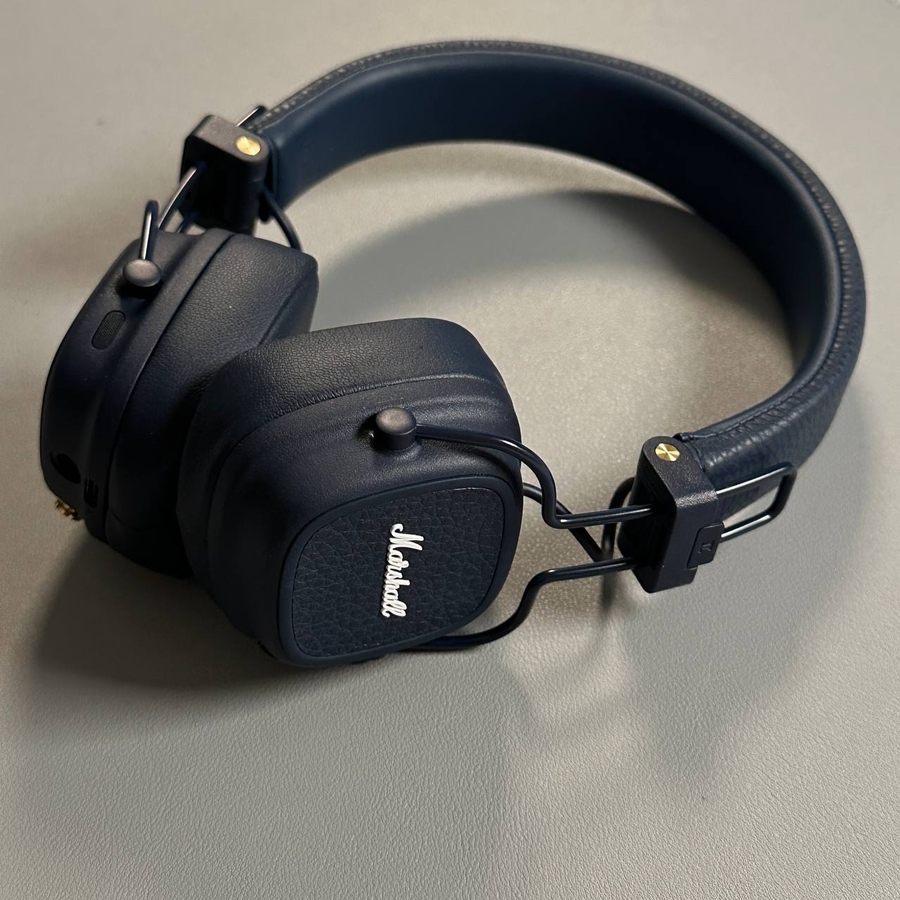
Your Marshall Major V headphones deliver superior sound quality and performance, and ensuring they have the latest software updates is key to maintaining their excellent functionality. In this guide, we will take you through the simple steps to check for and install any available updates using the Marshall Bluetooth app.
Step 1: Open the Marshall Bluetooth App
To begin, unlock your smartphone and locate the Marshall Bluetooth app. The app icon resembles the iconic Marshall logo and can typically be found on your home screen or within your app drawer. Tap on the icon to open the application.
Step 2: Connect Your Headphones
Once the app is open, ensure your Marshall Major V headphones are connected to your phone via Bluetooth. If you have already paired them before, they should appear in the app's main menu. If not, make sure Bluetooth is enabled on your phone and pair the headphones by following the app's instructions.

Step 3: Check for Software Updates
With your headphones connected, check the main menu of the app for any software update notifications. If an update is available, a message will appear indicating that a firmware update is ready for your device. You might see this directly on the app's home screen.

Step 4: View Current Firmware Information
If no update notification is visible, scroll down the app's main menu and select the 'About' section. Here, you will find detailed information on the firmware version currently running on your headphones. This section confirms whether you have the latest version or if an update is needed.

Step 5: Install the Update
If a firmware update is available, and your phone is connected to the internet, a button labeled 'Update Firmware' will be accessible. Tap this button to start the update process. The app will guide you through the installation, which may take a few minutes to complete. Wait patiently as the update installs and avoid disconnecting the headphones from your device during this time.
Congratulations, you've successfully updated your Marshall Major V headphones!