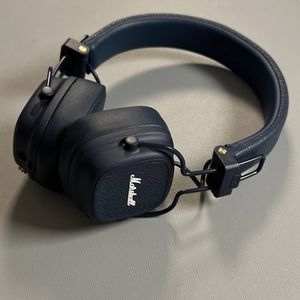
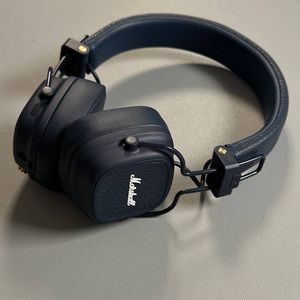
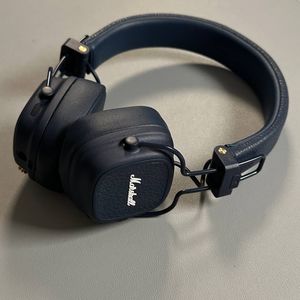
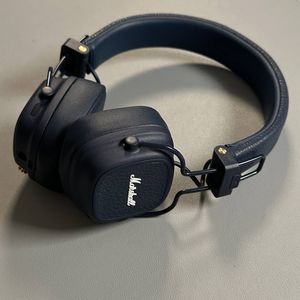
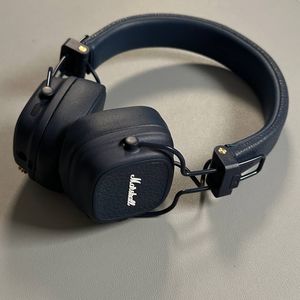
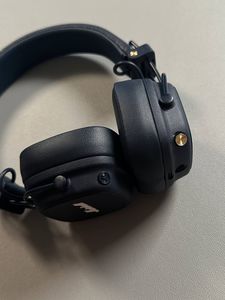
How to Charge Your Marshall Major V Headphones Using Your Phone
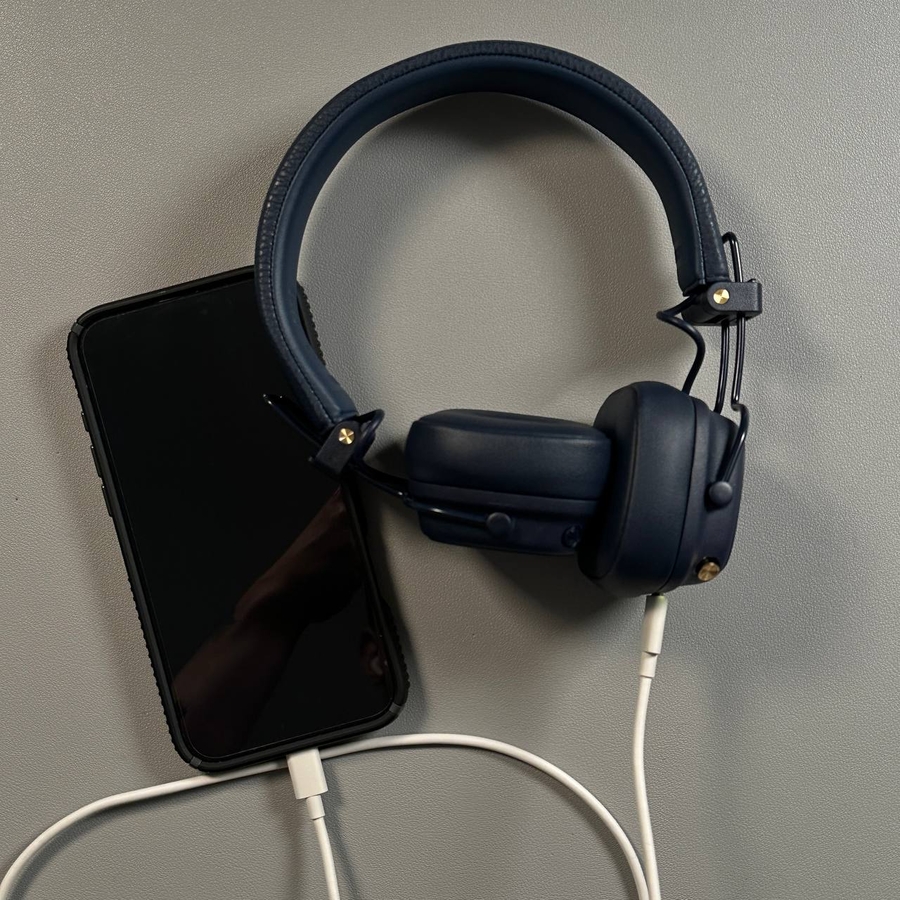
Welcome, music lovers! Today, I am excited to guide you through the simple process of charging your Marshall Major V headphones using your phone. It's a convenient way to ensure your headphones are ready to deliver amazing sound whenever you need them. With just a USB-C to USB-C cable—or the right alternative for your specific phone model—you can easily keep your headphones powered up without needing an additional charger.
Gathering the Essential Charging Tools
Before you begin, ensure that you have the right charging cable available. Ideally, you'll need a USB-C to USB-C cable. This type of cable benefits users who have a phone with a USB-C port, which is quite common in modern devices like Google Pixel or Samsung Galaxy models. However, if your phone uses a different port, such as a Lightning port on an iPhone or a micro USB port on some older models, make sure to have a compatible adapter or cable, such as a Lightning to USB-C or micro USB to USB-C.

Connecting Your Phone to Your Headphones
To start the charging process, take the USB-C cable and connect one end into your phone's USB-C port. This port is usually located on the phone's bottom edge. Once connected, you are ready to link the cable to your headphones.

Linking to Your Marshall Major V Headphones
On the right ear cup of your Marshall Major V headphones, you'll find the USB-C port designed for charging. Connect the other end of the USB-C cable to this port. You will also notice a small LED light near the port. When this light turns on, it indicates that your headphones are successfully charging. This straightforward setup makes it easy to utilize your phone as a portable charging station for your headphones.

And there you have it! You can now enjoy your music without worrying about battery issues.