How to Connect Marshall Major V Headphones to an Android Device
In this guide, we'll walk you through the process of connecting your Marshall Major V headphones to any Android device. These simple steps will help you enjoy your favorite tunes wirelessly.
Activating Pairing Mode on Marshall Major V
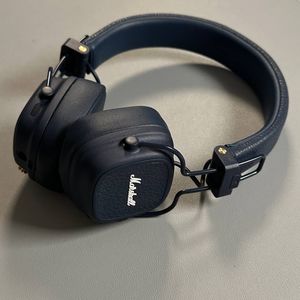
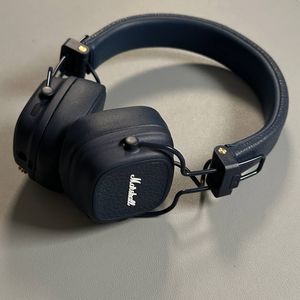
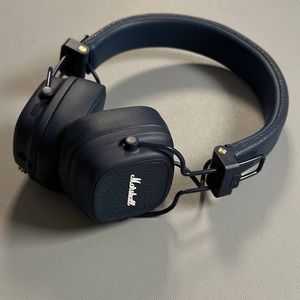
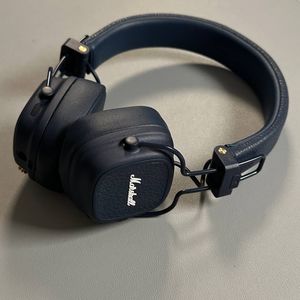
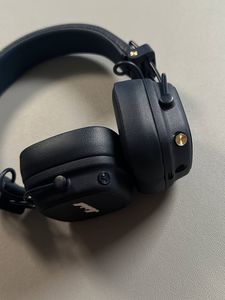
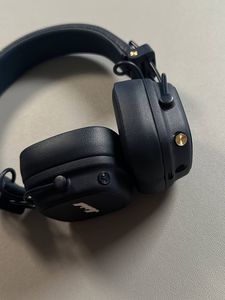
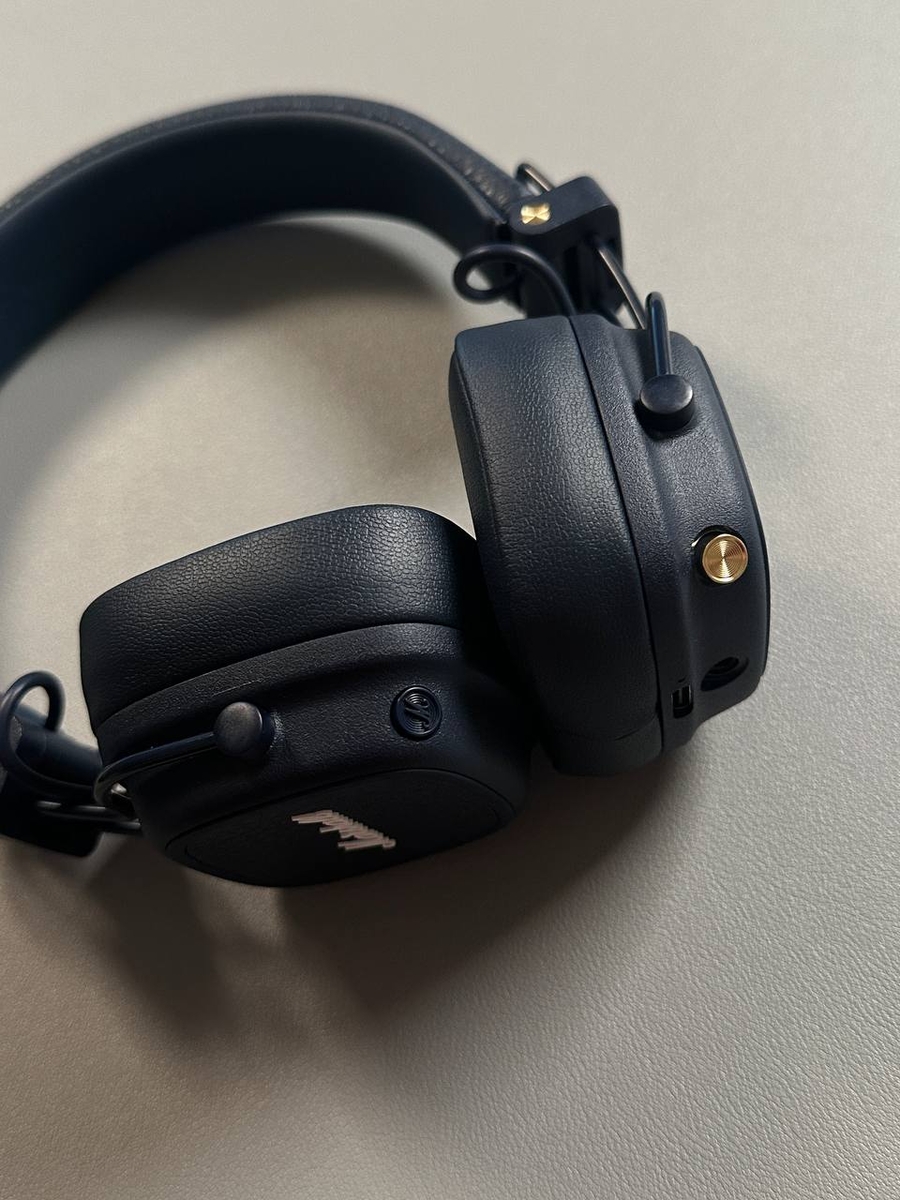
To begin, take your Marshall Major V headphones and put them into pairing mode. Locate the gold button on the headphones. Press and hold this button until you see the indicator light start to blink. This slow blinking signals that the headphones are ready to pair. Additionally, you will hear a sound within the headphones confirming that they have entered pairing mode.


Accessing Bluetooth Settings on Your Android Device
Now, turn to your Android smartphone. First, unlock your phone and access the main Settings app, usually represented by a gear icon. From there, navigate to the Bluetooth settings, which can typically be found under 'Connected devices'.

Pairing Your Headphones
In the Bluetooth settings menu, tap on 'Pair new device' to begin searching for nearby Bluetooth devices. When you see 'Major V' appear in the list, tap to select it and confirm the pairing request to connect your headphones.


Using the Marshall Bluetooth App
To enhance your experience, you may also download the Marshall Bluetooth app from the Google Play Store. This app allows you to personalize settings for your headphones. Open the Play Store, search for 'Marshall Bluetooth', and tap 'Install'. Once the app is installed, open it and follow the on-screen instructions. Accept the end-user license agreement, and opt-in to any features you wish, though sharing personal data is optional. Afterward, proceed to add your device by selecting the 'Major V' from the available devices list. Allow any necessary Bluetooth permissions to complete the connection process.