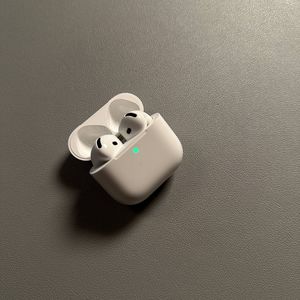
How to Answer, Decline or Hang Up Calls on Apple AirPods 4 with ANC
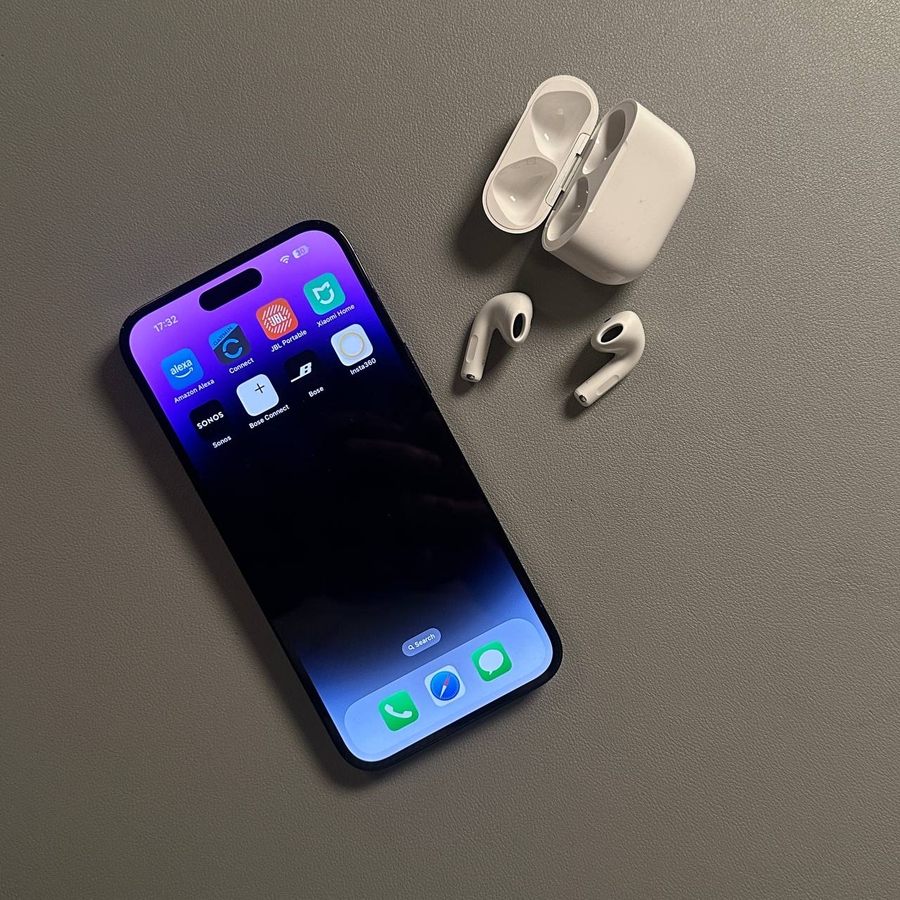
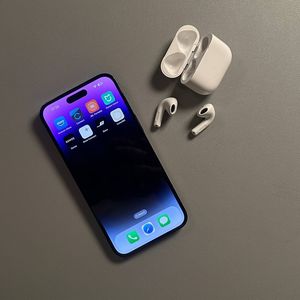
Apple AirPods 4, equipped with Active Noise Cancellation, offer a seamless experience when it comes to managing calls. In this guide, we'll show you how to easily answer, decline, or hang up calls using your AirPods 4, even if you're not technically inclined. Whether you're using an iPhone or a different device, we've got you covered.
Answering a Call with Apple AirPods 4
When a call comes in on your Apple device, you can conveniently answer it using your Apple AirPods 4. To do this, you'll want to locate the Force sensor on either the left or right earbud. It's a small, flat surface located on the leg of the earbud. Simply pinch this sensor once, and your call will be answered instantly, allowing you to carry on a conversation without reaching for your phone.

Declining a Call
There are times when you might need to decline an incoming call. With the Apple AirPods 4, it's straightforward. If there's an incoming call you cannot take, you can simply double-pinch the Force sensor found on either earbud. This double-pinch action will instruct your device to decline the call. Alternatively, if you have the head tracking feature enabled, shaking your head side-to-side will also decline the call.

Ending a Call
Once you're done talking and need to hang up, ending the call with your AirPods 4 is just as easy. Simply perform the single pinch action on the Force sensor, just like you did to answer the call. This will end the call and return your phone to its previous state, all without touching your phone. With the advanced features of Apple AirPods 4, managing calls has become more convenient and intuitive.