How to Factory Reset Apple AirPods 4 with ANC
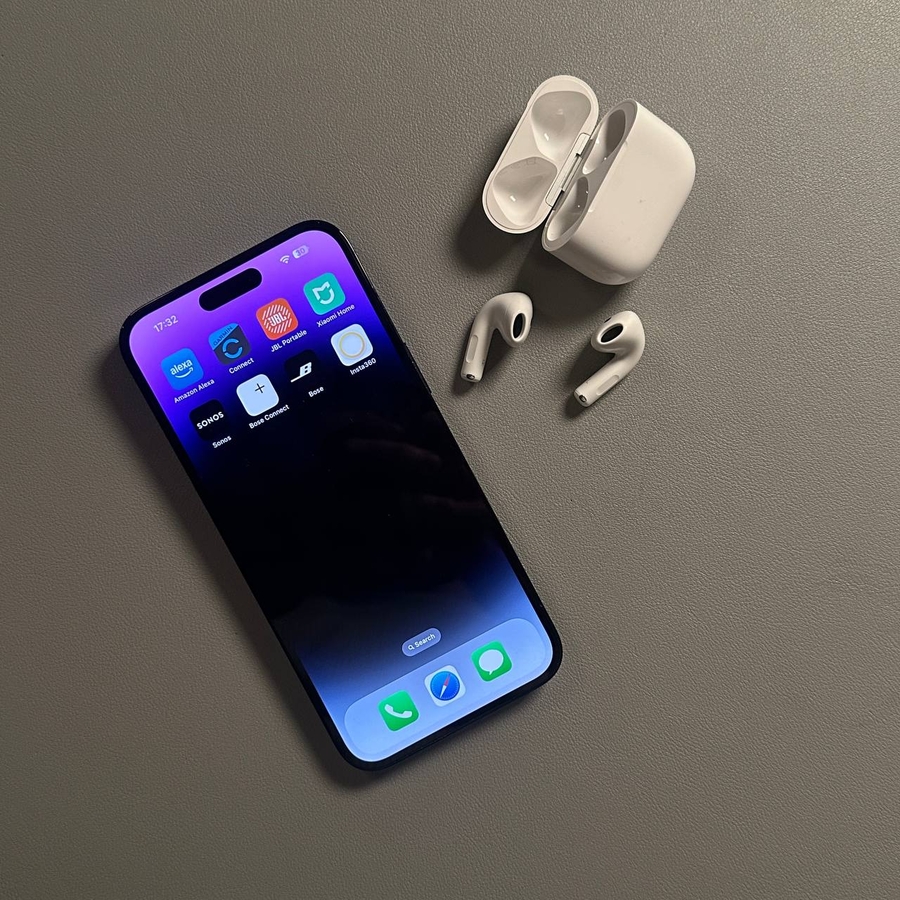
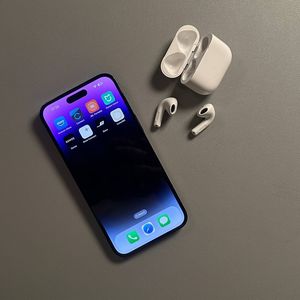
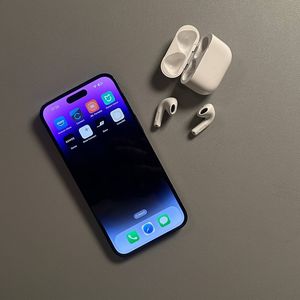
The Apple AirPods 4, equipped with Active Noise Cancellation (ANC), provide an unparalleled audio experience. However, there may come a time when you need to reset them to their factory settings, especially if you're encountering connectivity issues or planning to pair them with a new device. This guide will walk you through the entire reset process, making it easy for you to refresh your AirPods and get them connected back to your preferred device effortlessly.
Step 1: Prepare Your AirPods for Reset
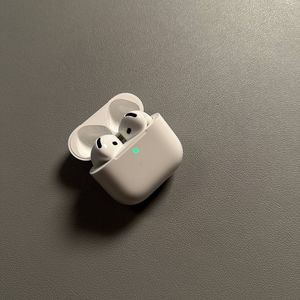
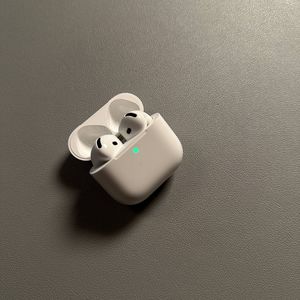
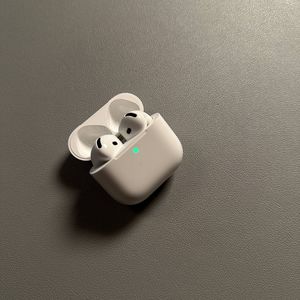
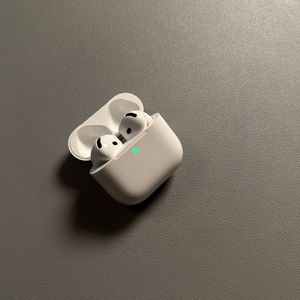
First, ensure your Apple AirPods 4 are securely placed inside the charging case. Open the lid of the case, which should automatically activate the status light on the front. This light indicates that the AirPods are ready for the next steps.

Step 2: Initiate the Reset Process
Next, gently double tap the front of the charging case. This action must be performed while the status light is on. Your aim is to wait for the status light to begin flashing white, signaling the start of the reset process.

Step 3: Confirm Reset with Additional Taps
After the status light flashes white, quickly triple tap the front of the case again. Be prepared for the light to flash faster, transitioning to amber and then back to white. Perform one final triple tap at this stage, and when the light flashes amber and then white again, you'll know the AirPods have been successfully reset.


Step 4: Remove AirPods from Bluetooth Devices
Once the AirPods have been reset, it's crucial to forget them from your Bluetooth device list. On your phone, open the Settings app, navigate to Bluetooth settings, and tap on the "i" icon next to your AirPods 4. Select "Forget This Device" to remove them from the list.

Step 5: Re-pair with Your Device
Now, you're ready to pair your AirPods with your device again. Keep the lid of the charging case open, and bring your AirPods close to your device. A setup animation will appear on your screen. Follow the prompts to complete the pairing process, and your AirPods will reconnect with ease.