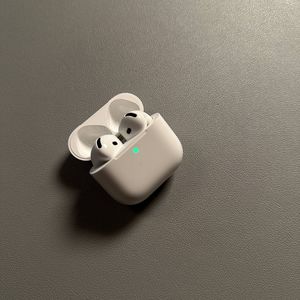
How to Turn On or Off Noise Cancellation on Apple AirPods 4 with ANC
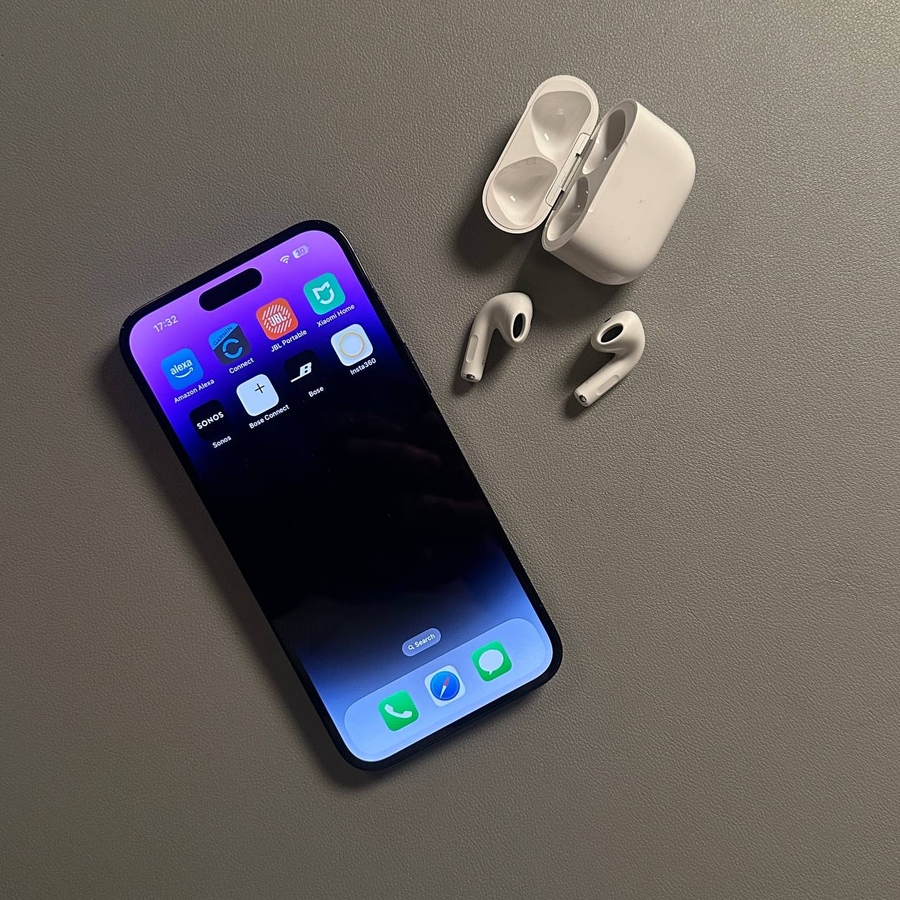
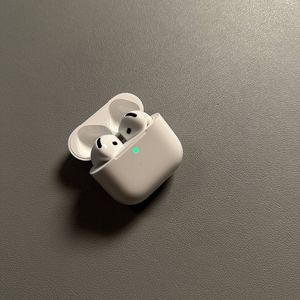
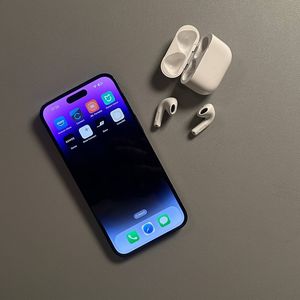
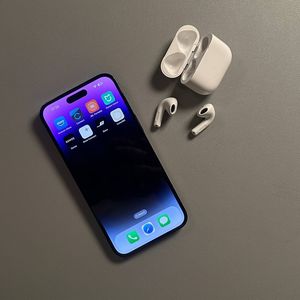
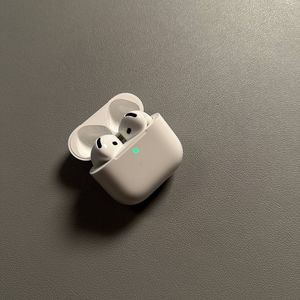
If you've recently acquired a pair of Apple AirPods 4 and are eager to make the most of its features, you're probably wondering how to turn on the Active Noise Cancellation (ANC). This feature is available on specific models of the AirPods 4, particularly those priced around $180. This guide will walk you through the straightforward steps necessary to activate and deactivate the noise cancellation, so you can enjoy your AirPods to the fullest.
Step 1: Prepare Your AirPods
First, ensure your AirPods are charged and ready. Insert them into your ears comfortably, establishing a solid connection.

Step 2: Activate Noise Cancellation
Once your AirPods are in place, look for the small force sensor located on the stem. To toggle the noise cancellation feature, gently press and hold this sensor. You should hear a soft chime indicating that noise cancellation is now active. This chime confirms your AirPods have switched modes successfully.

Step 3: Deactivate Noise Cancellation
If you wish to turn off noise cancellation, use the same force sensor again. Press and hold until you hear a different chime, signaling the deactivation of the ANC. This toggling ability lets you easily switch back to normal mode when you need to be more aware of your surroundings.