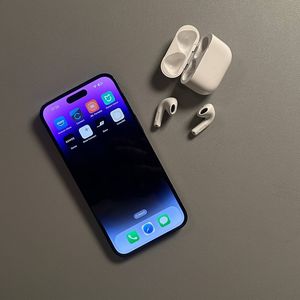
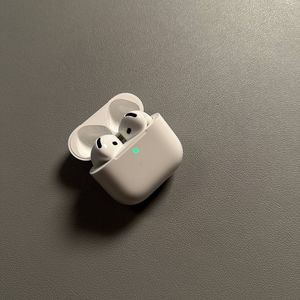
How to Set Up Find My for Your AirPods 4 with ANC
Contents
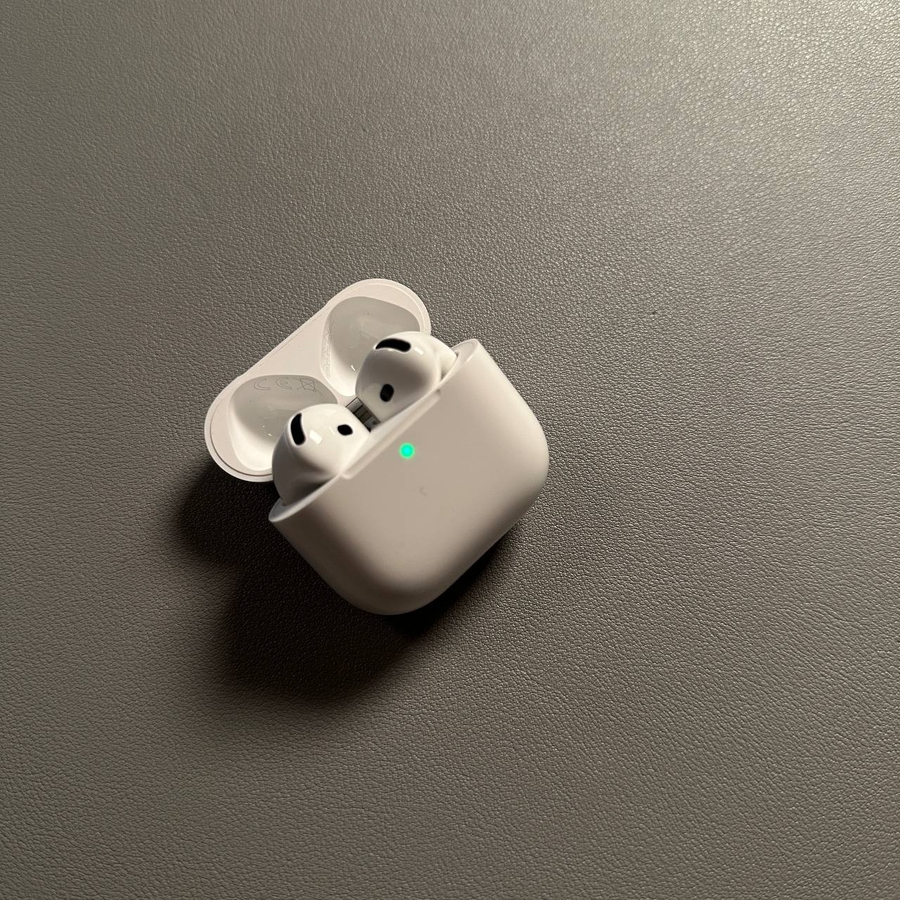
Setting up Find My for your Apple AirPods 4 with ANC is simple and ensures you can easily locate your earbuds. Follow these steps to set it up on your iOS device, allowing you peace of mind.
Step 1: Ensure Find My is Set Up on Your iOS Device
Begin by unlocking your iPhone and opening the Settings app. Tap on your name at the top to access your Apple ID settings, then select 'Find My'. Make sure 'Find My iPhone' is enabled, which will let you see lost items on a map.


Step 2: Enable Location Services
Locate 'Privacy & Security' in Settings and tap 'Location Services'. Turn it on and allow Find My to access your location for accurate tracking of your AirPods.

Step 3: Automatically Set Up Find My for Your AirPods
After pairing your AirPods, Find My is automatically configured. To ensure they can be found even when off, go to your AirPods settings and activate 'Find My Network'.