Apple AirPods 4 with ANC: How to Skip Songs, Pause, or Play
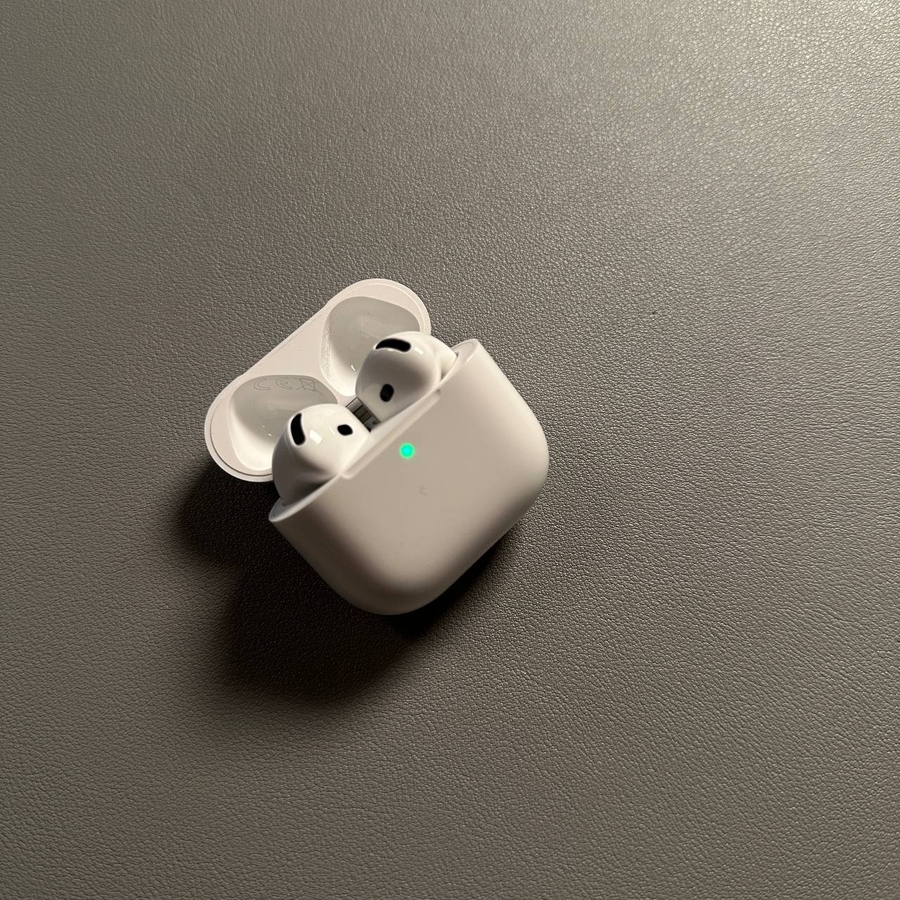
Are you trying to figure out the best way to control playback on your new Apple AirPods 4? With these compact devices nestled in your ears, playing, pausing, and skipping songs is a breeze. In this guide, we'll walk you through the simple steps to manage your music effortlessly using the built-in Force sensors.
Playing and Pausing Songs
To start a song or pause it while it's playing, you will need to locate the small Force sensor on the side of your AirPod. This sensor is your gateway to controlling playback. Tap this sensor once to play a song and tap it again to pause. It's that simple! You'll find that managing your music in this way is incredibly intuitive, even if you're not particularly tech-savvy.

Skipping to the Next Song
If you're in the mood to skip to the next track, all you need to do is double-tap the Force sensor on your AirPod. Doing so will immediately take you to the next song in your playlist. This function is especially useful when you're on the go and want to switch songs quickly without having to pull out your device.

Returning to the Previous Song
To travel back to the previous song, simply triple-tap the Force sensor. This action will rewind to the last song, allowing you to replay your favorite music as many times as you like. Note that in some apps like Spotify, you might need a premium account for this feature to work correctly.