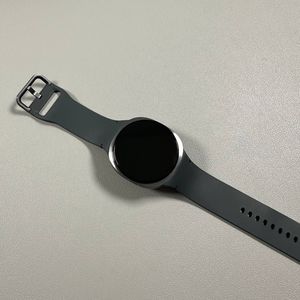
How to Install WhatsApp on Your Samsung Galaxy Watch 8 LTE
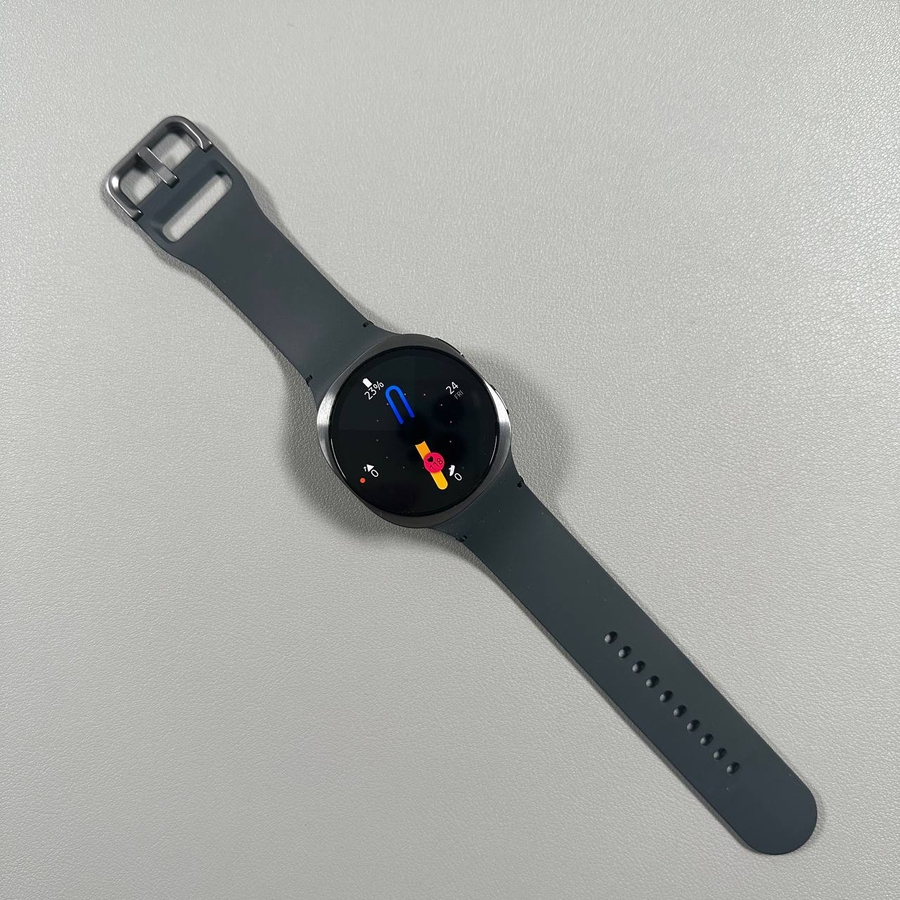
Smartwatches are evolving to include more of the apps and functionalities we cherish on our smartphones. If you own a Samsung Galaxy Watch 8 or the 8 Classic, you're in luck because installing WhatsApp on your device is a breeze. This guide walks you through the process of making WhatsApp a part of your wrist companions, so you can stay connected with ease.
Check for Pre-installed WhatsApp
To begin, take a moment to explore your Galaxy Watch 8 or 8 Classic. WhatsApp often comes pre-installed on many modern devices. To check, gently swipe across your watch's app screen to see if WhatsApp is listed among your available applications. If you see it, you're good to go!

Install WhatsApp from the Google Play Store
If WhatsApp isn't pre-installed, don't worry. You can easily add it to your watch. First, locate the Play Store icon on your watch and tap to open it. Once inside, utilise the search function by typing "WhatsApp" and confirm that you see an app by WhatsApp LLC. This is the official app. Tap "Install" (install) to download WhatsApp onto your device. The installation is quick, as the file size is approximately 16 MB.

Set Up WhatsApp on Your Watch
Once WhatsApp is installed, you'll need to set it up. Bring your smartphone, the one you used to set up your Galaxy Watch, close to your watch. Open WhatsApp on your phone, and your watch should automatically detect the app. Follow the on-screen prompts on your smartphone, which may include entering a code visible on your watch's screen. This step ensures that the WhatsApp account on your watch is linked properly to your existing account.


Finalise WhatsApp Setup
After entering the code, your Galaxy Watch will finalise the setup. You may dismiss any initial informational pop-ups about business interactions on WhatsApp. In your WhatsApp interface on the watch, you should now see your message history and linked devices under the appropriate section. Congratulations, you now have WhatsApp on your Samsung Galaxy Watch 8 or 8 Classic, enabling seamless messaging directly from your wrist.