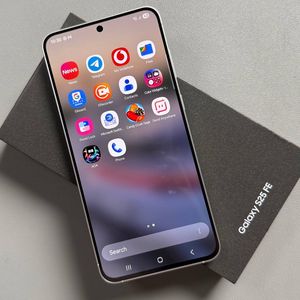
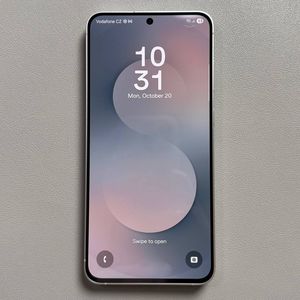
Samsung Galaxy S25 FE: Show or Hide Battery Percentage
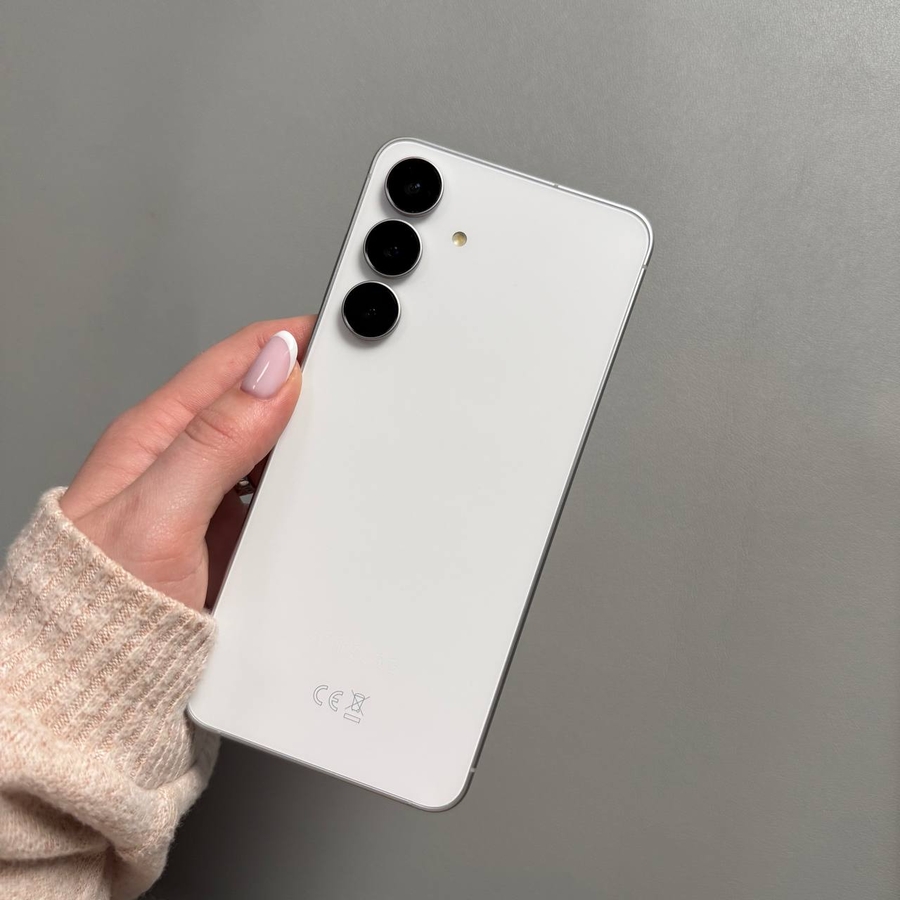
Learn how to easily display or hide the battery percentage on your Samsung Galaxy S25 FE. This quick guide will help you customize your phone's status bar, so you always know how much battery life remains.
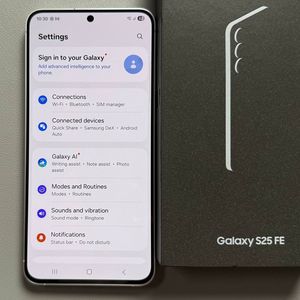
Step 1: Open the Settings App
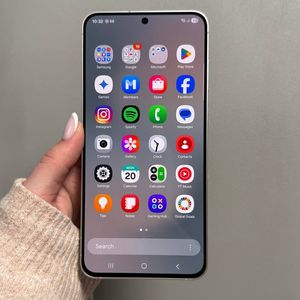
Firstly, make sure your Samsung Galaxy S25 FE is unlocked. Next, locate the Settings app, which serves as the central hub for managing various features of your device, such as connections, applications, display settings, sound, and privacy controls. Look for a gear-shaped icon in your app drawer or on your home screen.

Step 2: Search for Battery Percentage
Once you're in the Settings menu, take a look at the top of the screen for the search icon. Tap this icon to bring up the search bar, then type "battery percentage" into the field. Depending on the model and software version, older Samsung devices might necessitate that you navigate through the Notifications or Display sections first. From the search results, find and select the relevant option.

Step 3: Toggle the Battery Percentage Display
In the Battery settings section that appears, you will find an option labeled "Show Battery Percentage". When you want to display the percentage of battery remaining on your device, simply switch this toggle to the On position. Instantly, the status bar at the top of your screen will update to show the current battery level next to the battery icon.

Step 4: Hide the Battery Percentage
If at any point you decide to simplify your status bar by hiding the battery percentage, you can easily do so by toggling the same switch to the Off position. The numeric battery detail will disappear from the status bar, giving your display a cleaner look. This small customization enhances not only the aesthetic of your device but also your awareness of power usage.


We hope you found this guide useful. By using these steps, you can customize your Samsung Galaxy S25 FE to perfectly match your style and usability preferences.