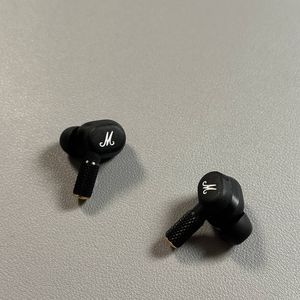
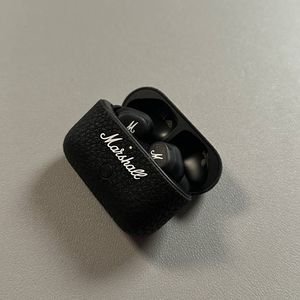
How to Connect Marshall Motif II ANC to Your iPhone
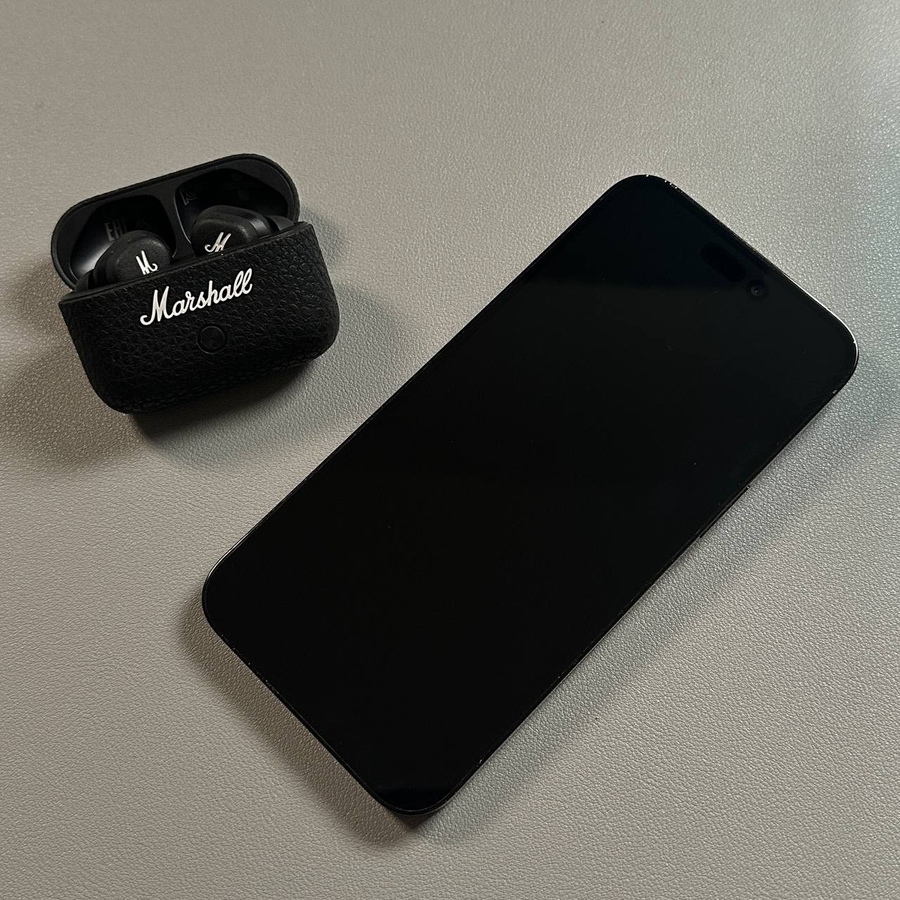
If you've just purchased the stylish and feature-packed Marshall Motif II ANC earbuds and wish to connect them to your iPhone, this guide will take you through the process step-by-step. By the end of these instructions, you will have your earbuds paired and ready to enjoy quality audio.
Step 1: Access Bluetooth Settings on Your iPhone
To begin, unlock your iPhone, which involves using either your passcode or Face ID. Once your device is unlocked, navigate to the main menu and tap on the Settings app. This app, recognizable by its gray gear icon, is typically on your home screen or can be found in your app library. Within Settings, scroll down and select the Bluetooth option to open the Bluetooth settings page.


Step 2: Prepare Your Marshall Motif II ANC Earbuds
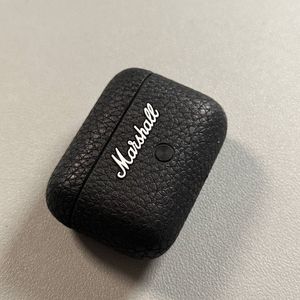
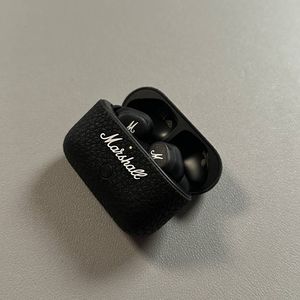
Next, prepare your Marshall Motif II ANC earbuds for pairing. Begin by opening the charging case near your iPhone. Locate the connection button within the case—this button is generally situated in an easily accessible spot after opening the case. Press and hold this button until the LED light on the earbuds starts to flash blue, indicating that the earbuds are now in pairing mode and detectable by your iPhone.


Step 3: Pair with Your iPhone
Now, with the earbuds ready, glance back at your iPhone's Bluetooth settings. Here, under the list of available devices, you should see "Marshall Motif II ANC" appear as an option. Simply tap on this option to initiate the pairing process. Within a few moments, your iPhone should indicate that it has successfully connected to your earbuds, allowing you to start listening to your favorite music or podcasts.


Thank you for choosing to connect with us to learn about your new Marshall Motif II ANC earbuds.