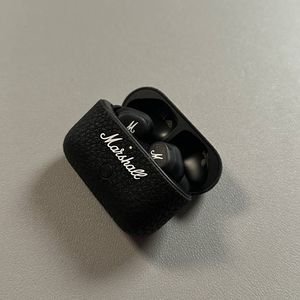
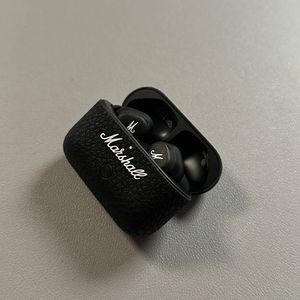
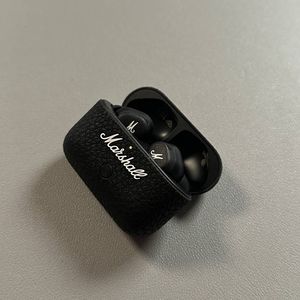
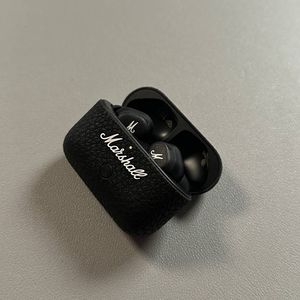
How to Change Earbud Tips on Marshall Motif II ANC
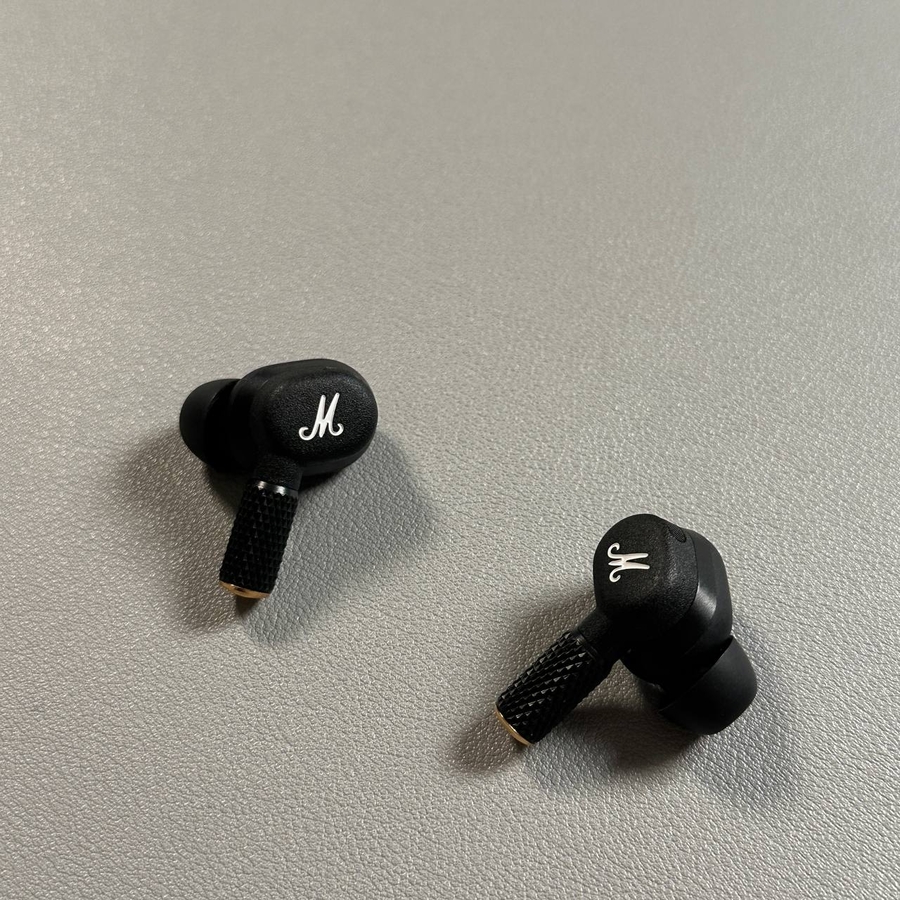
If you're using the Marshall Motif II ANC earbuds, you might want to change the ear tips from time to time to ensure maximum comfort and sound quality. In this guide, we'll walk you through the process of removing the old tips and installing the new ones, making it an easy task for any user.
Step 1: Remove the Existing Ear Tips
To begin, carefully hold one of your earbuds and gently pull off the existing ear tip. It's important to do this carefully to avoid damaging any components. Once you've removed the tip from one earbud, repeat the process for the second earbud.

Step 2: Choose the Right Ear Tip Size
Next, select the new ear tip size that best fits your comfort and audio needs. The Marshall Motif II ANC usually comes with multiple sizes, so take your time to choose the one that fits snugly in your ears.

Step 3: Attach the New Ear Tips
Once you have selected the appropriate size, gently push the new ear tip onto the earbud until it is securely seated. Make sure it fits tightly to ensure good sound isolation. Repeat this step for the second earbud.

And that's it! You have successfully changed the ear tips on your Marshall Motif II ANC earbuds.