How to Use ANC and Transparency Modes on Marshall Motif II ANC
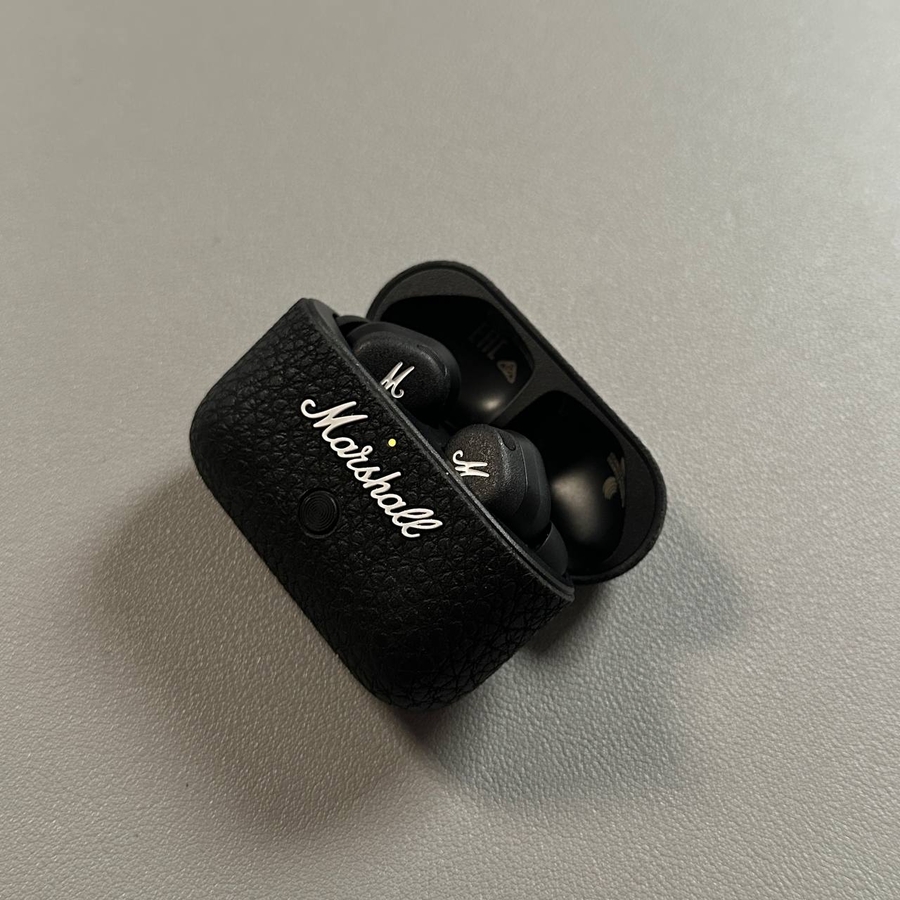
The Marshall Motif II ANC earbuds are designed to give you precise control over your listening environment by offering easy access to Active Noise Cancelling (ANC) and Transparency modes. In this guide, we will walk you through how to manage these features using simple gestures and an app for customization.
Understanding Noise Control Modes
The earbuds come with three noise control options: ANC mode, Transparency mode, and Off. In ANC mode, you'll experience a significant reduction in outside noise so you can focus solely on your music. Transparency mode, however, allows environmental sounds to come through, making it easier to engage in conversations or stay alert to your surroundings. The Off setting provides a natural auditory experience without any interference from technology.
Switching Between Modes with a Simple Gesture
Switching between noise control modes on your Marshall Motif II ANC earbuds is straightforward. To change modes, place your finger on the touch-sensitive area of the earbud and hold it there briefly. The image illustrates this gesture clearly, showing a finger pressing on the button, which facilitates toggling between ANC, Transparency, and Off modes. This responsive control method ensures a seamless listening experience.

Enhanced Customization Using the Marshall Bluetooth App
For further customization of your listening settings, the Marshall Bluetooth app offers intuitive control options. In the image, you can see how the app displays various sliders and settings on a smartphone screen, allowing you to adjust the degree of noise cancellation or transparency to best fit your environment. You can also customize the long-press action of your earbuds to perform functions that suit your preferences, directly from the app interface.

Enjoy the Perfect Listening Experience
With these tools and gestures at your disposal, you are set to enjoy a high-quality, tailored listening experience with your Marshall Motif II ANC earbuds. Utilizing both simple touch controls and advanced app settings, you can easily adapt to any environment, ensuring your audio experience is always optimal.