Connecting Apple AirPods Pro 3 to Your Android Device
Although AirPods are designed with Apple devices in mind, it's surprisingly easy to connect your Apple AirPods Pro 3 to an Android device. Follow these simple steps to get started.
Step 1: Prepare Your AirPods Pro 3 for Pairing
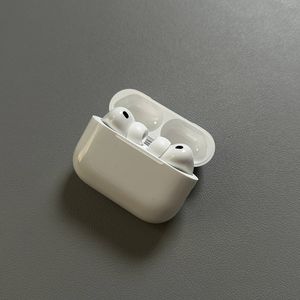
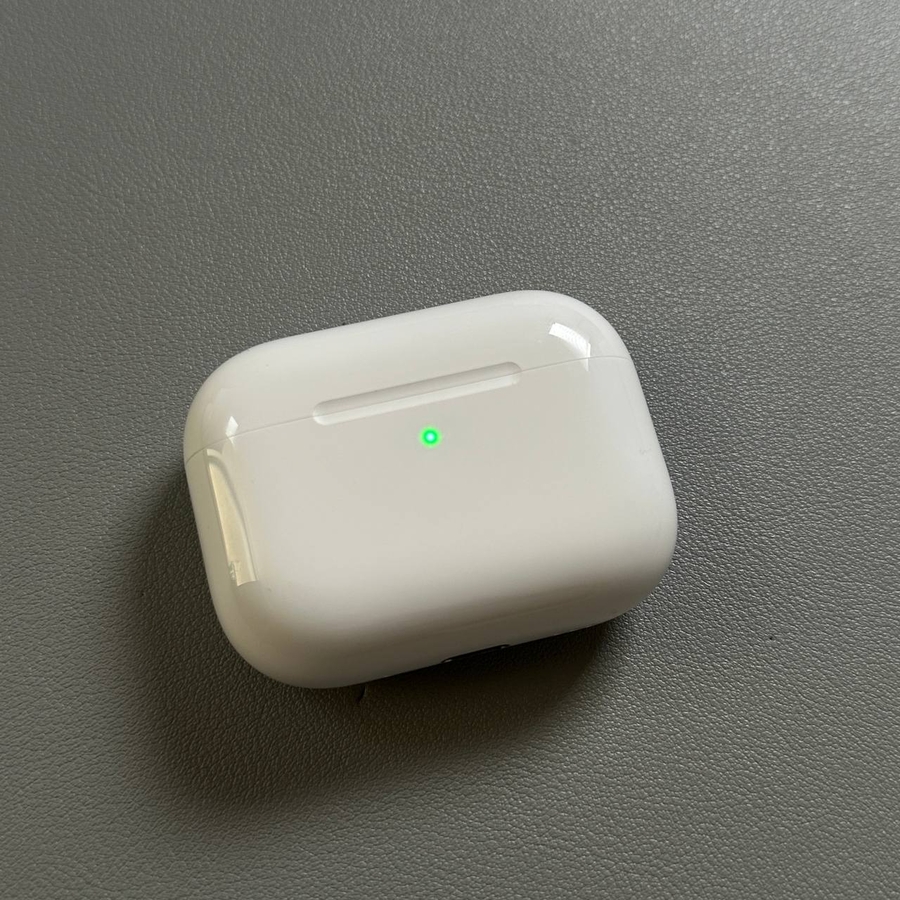
Make sure your AirPods Pro 3 are placed inside the charging case. Open the case lid, and press the button twice to activate pairing mode. The indicator light should blink white, indicating readiness to pair.


Step 2: Open Bluetooth Settings on Your Android Device
Ensure the case with the earbuds remains open. On your Android device, navigate to the Settings app, commonly represented by a gear icon, and select 'Bluetooth' to access the Bluetooth settings menu.

Step 3: Connect AirPods Pro 3 to Android
Within the Bluetooth settings, your AirPods Pro 3 should appear in the available devices list. Tap "AirPods Pro" to establish the connection. A confirmation message will appear, signifying a successful connection.


That's all! Your AirPods Pro 3 are now connected to your Android device, offering you excellent sound quality and ease of use. Enjoy your listening experience!