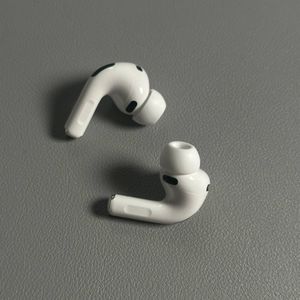
Apple AirPods Pro 3 - How to Skip Songs, Pause or Play
Contents
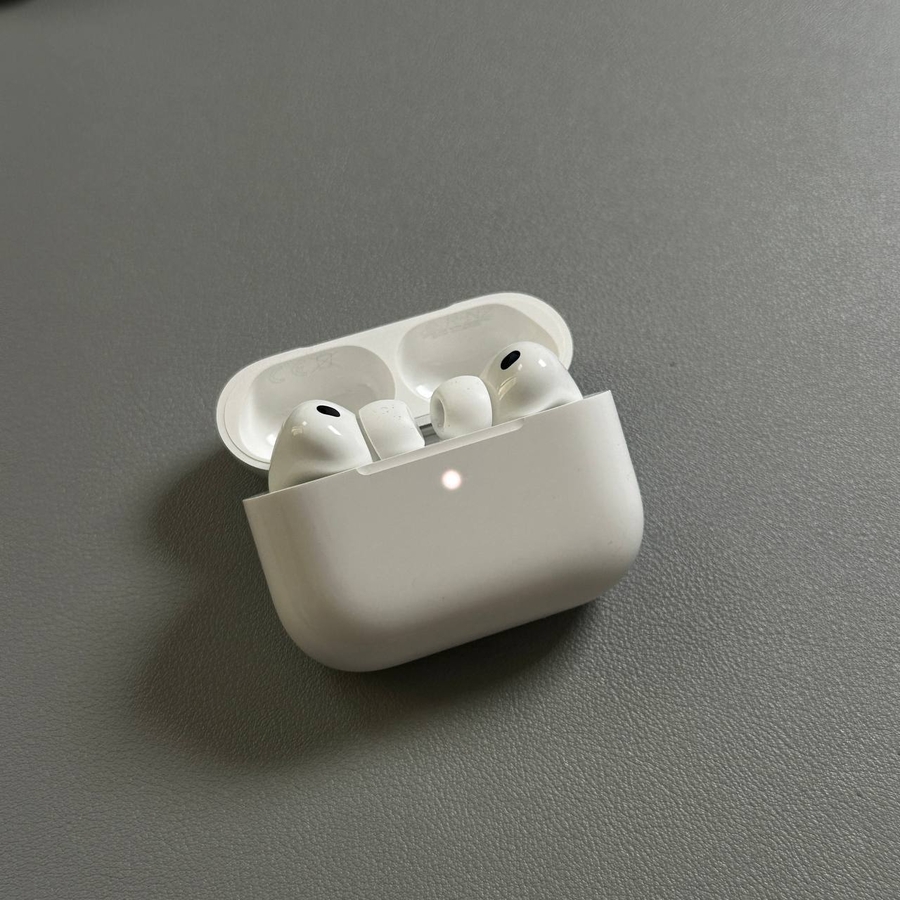
Learn to navigate your music with ease using your Apple AirPods Pro 3. This guide will show you step-by-step how to control playback directly from your AirPods.
Playing and Pausing Music
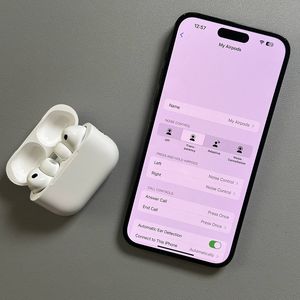
To play or pause music, simply press the stem of either AirPod once. This action is quick and effective, allowing easy control over your listening experience.


Skipping to the Next Track
To skip to the next song, double-press the stem quickly. This command advances you to the next track effortlessly.

Returning to the Previous Track
To return to the previous track, press the stem three times in quick succession. This feature allows you to go back without hassle.

Adjusting Volume
Adjust the volume by swiping up or down on the stem. This gesture makes it easy to control volume levels directly from the AirPods.