How to Hard Reset Your Garmin Vivoactive 6
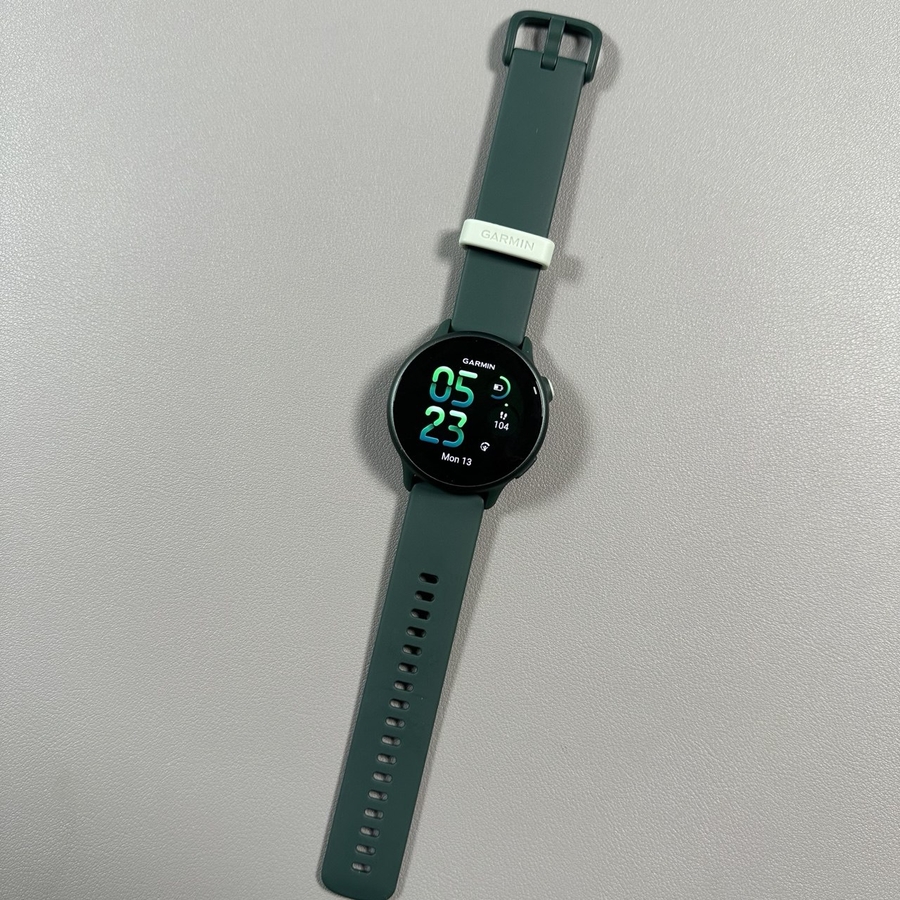
If you're looking to restore your Garmin Vivoactive 6 to its original state, whether it's to troubleshoot issues, prepare for a resale, or simply start fresh, you've come to the right place. This guide will walk you through the straightforward steps to perform a hard reset using the watch's system settings, as well as through the Garmin Connect app.
Method 1: Reset via Watch System Settings
To begin resetting your Garmin Vivoactive 6 using the system settings, press the upper button on the watch face once to open the menu. You'll notice different icons; your next task is to scroll down and locate the settings icon. Upon finding it, go ahead and tap on it to proceed.

Within the settings menu, continue scrolling until you come across the option labelled "System." Select this choice by tapping on it.

Under the system menu, there is an option titled "Restore and Reset." Navigate to this option and tap on it to explore further reset choices.

Here, you can choose among several reset options, including resetting default settings, deleting all activities, or a complete factory reset. If you intend to completely prepare the watch for a new user, the best choice is to select "Delete Data and Reset Settings." Confirm your choice by tapping the check mark.

The watch will now start the resetting process. Once completed, a list of languages will display on the screen, indicating a successful reset.
Method 2: Reset via Garmin Connect App
If accessing your watch directly isn't viable, you can perform the reset through the Garmin Connect app on your phone. Begin by opening the Garmin Connect app. Look for your watch icon on the right side and tap on it to enter watch management settings.

Within the app, swipe down to locate the "System Settings" option. After tapping on it, you will see a reset option similar to what is available directly on the watch. Select "Reset" (reset) to start the factory reset process from your smartphone.

Either of these methods will effectively restore your Garmin Vivoactive 6 to its factory settings, preparing it for new adventures with you or its new user. We hope you found this guide clear and helpful.