How to Reset Network Settings on Samsung Galaxy A17 5G
Experiencing connectivity issues with your Samsung Galaxy A17 5G? Resetting the network settings can be a simple yet effective solution to restore your device's optimal performance. Whether you're facing problems with Wi-Fi, Bluetooth, or mobile data, this guide will show you the steps to reset these settings safely.
Access the Settings Menu
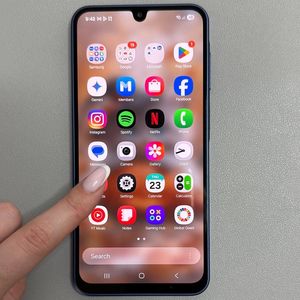
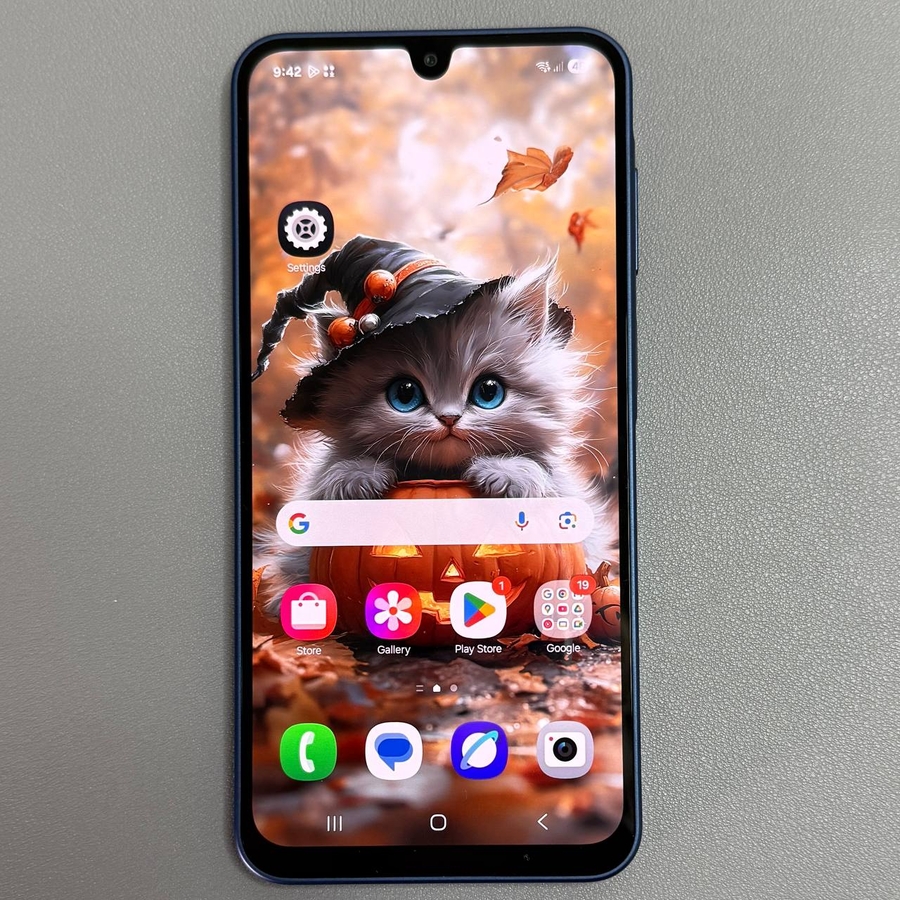
To get started, you'll first need to access the Settings menu on your Samsung Galaxy A17 5G. Unlock your phone and locate the Settings app, which is typically represented by a gear-shaped icon on your home screen or in your app drawer. Tap on this icon to continue.

Navigate to General Management
Once you're in the Settings menu, scroll down through the list of options until you find the 'General Management' section. Tap on it to access more settings related to your phone's general functions.

Select the Reset Option
Within the General Management section, you will see various options. Keep scrolling until you locate the 'Reset' option. Tap on it to view different reset options available for your device.

Reset Network Settings
In the Reset menu, find and tap on the 'Reset Mobile Network Settings' or 'Reset Wi-fi and Bluetooth Settings' options. This will bring up a confirmation screen. Make sure you're aware that this action cannot be undone and that it will reset all network settings, including Wi-Fi, mobile data, and Bluetooth, to their default states.

Confirm and Reset
After selecting 'Reset Network Settings,' you will need to confirm your choice. Tap 'Reset Settings' (reset settings) on the confirmation screen to proceed with the reset. Once completed, your network settings will be restored to their original configurations, which can resolve any connectivity issues.