How to Back Up Your Samsung Galaxy A17 5G
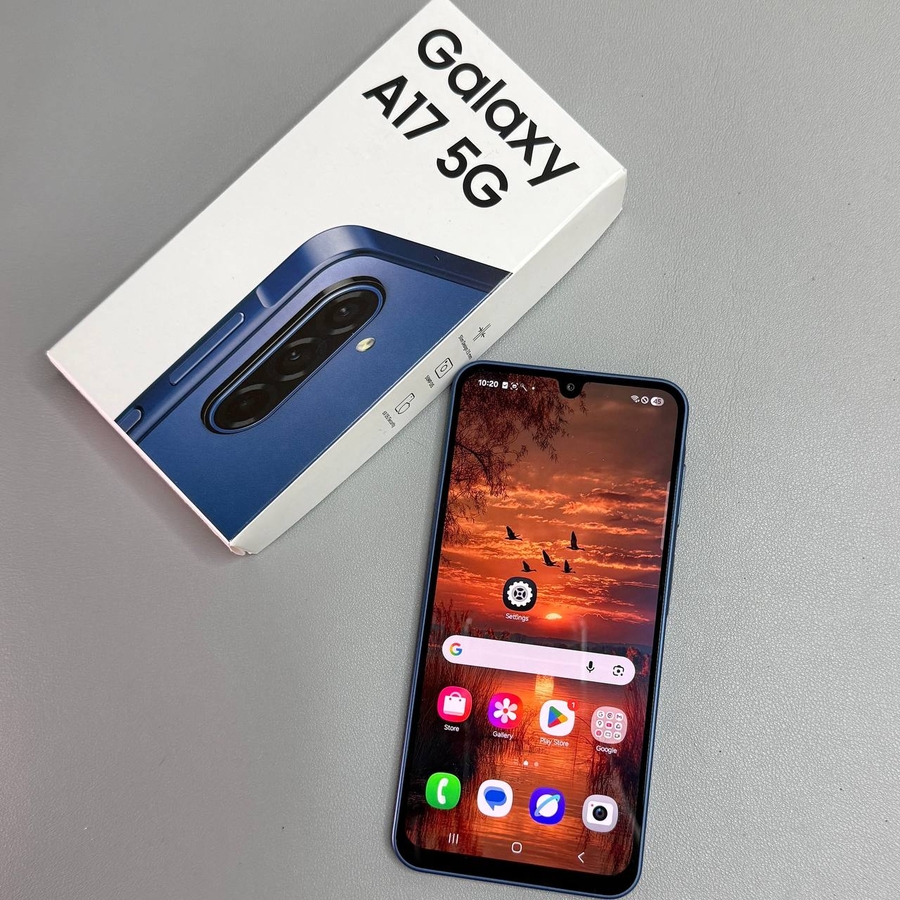
Backing up your Samsung Galaxy A17 5G is a crucial step in securing your data. Whether you're upgrading to a new device or simply want to ensure your information is safe, follow these easy steps to back up your device either to Samsung Cloud or Google Drive.
Step 1: Open the Settings App
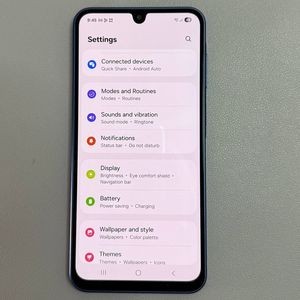
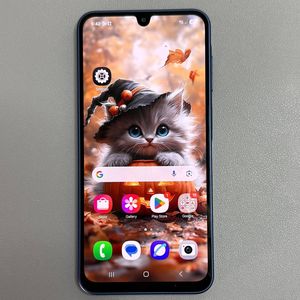
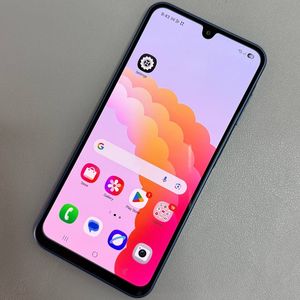
To get started, unlock your Samsung Galaxy A17 5G and open the main Settings app. You can usually find its gear-shaped icon on your home screen or within the app drawer.

Step 2: Navigate to Accounts and Backup
Once in the Settings menu, scroll down until you find the option labelled "Accounts and Backup," and tap on it. This section is where you can manage your accounts and initiate the backup process.

Step 3: Choose Your Backup Option
In the Accounts and Backup menu, you have two main backup options to select from. If you have a Samsung account, you can choose to back up your data to Samsung Cloud. Alternatively, if you have a Google account linked to your phone, you can opt to back up to Google Drive.


Step 4: Confirm Your Data Selection
If you've chosen your preferred backup method, tap on the option to proceed. You will then be able to select which data you want to back up. Ensure the options are ticked for the data you wish to save, whether it's contacts, photos, or other important information.

Step 5: Initiate the Backup
After confirming your data selection, tap on "Backup Now" to start the backup process. The time it takes will depend on the amount of data being backed up and your internet connection speed.

Once complete, you'll receive a notification confirming that your data has been successfully backed up. Ensuring your data is backed up gives you peace of mind, knowing that your important information is securely stored and easily retrievable.