How to Insert SIM Card in Samsung Galaxy S25 FE
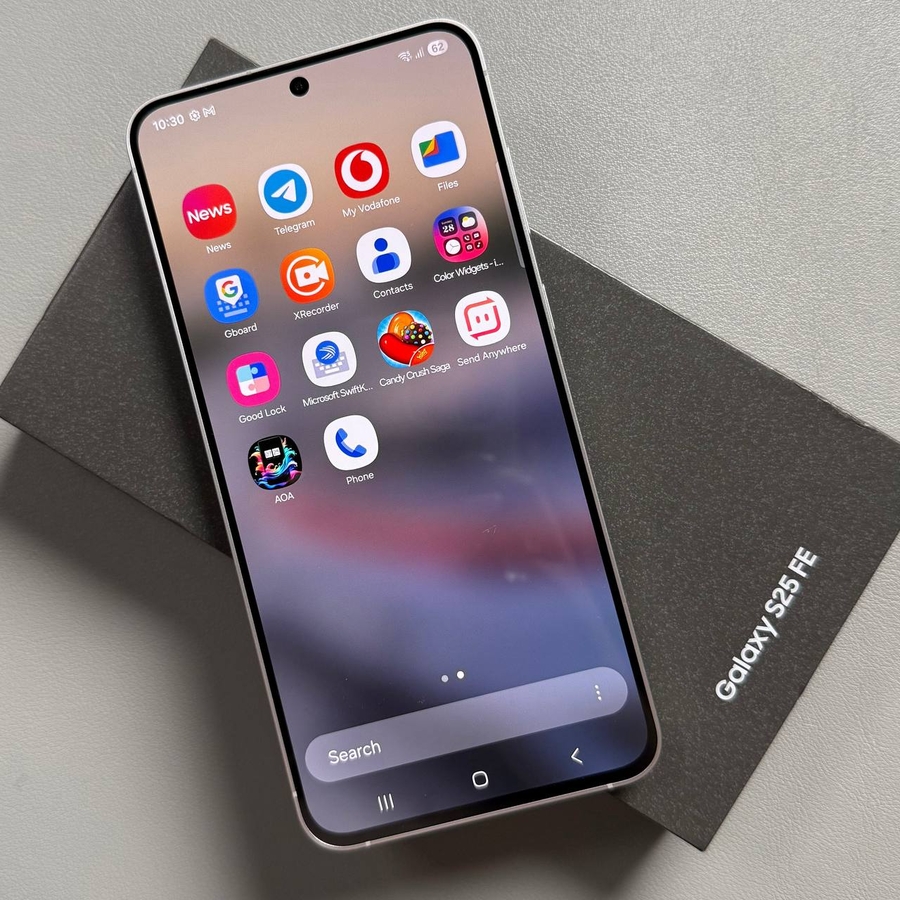
Welcome to this easy-to-follow guide on how to insert a SIM card into your Samsung Galaxy S25 FE. We will walk you through each step of the process, ensuring that you can start using your new device without any hassle. Let's get started!
Step 1: Gather Your Tools
First, you will need a SIM eject tool, which is typically provided in the box with your Samsung Galaxy S25 FE. If you can't find it, don't worry! You can also use a straightened paperclip. Simply make sure one end is thin and sturdy enough to fit into the small hole of the SIM tray.

Step 2: Locate the SIM Card Tray
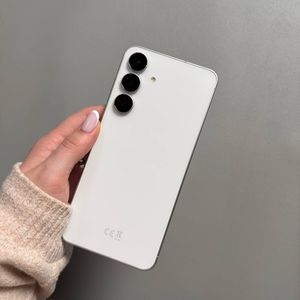
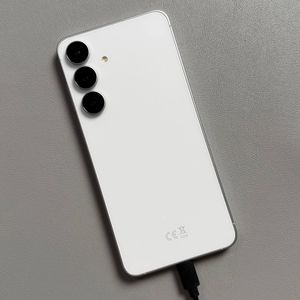
Turn the Samsung Galaxy S25 FE around and look for the SIM card tray at the bottom of the device, near the aerial. You'll notice a small hole next to this slot, which is the key to opening it.

Step 3: Eject the SIM Tray
Insert the SIM eject tool or a paperclip into the small hole next to the tray gently. This will cause the tray to pop out just enough for you to grab and fully pull it out of the device.

Step 4: Place Your SIM Card
On the ejected tray, you will find space for the SIM card. Gently place your SIM card into the designated slot, ensuring that the gold contacts of the card are facing downwards and aligned properly.

Step 5: Insert the Tray Back
Carefully reinsert the tray back into the slot until it clicks securely. Your Samsung Galaxy S25 FE should automatically detect the SIM card, and you might be prompted to enter your SIM card PIN to unlock it. Once done, you're all set to use your phone with the new SIM card.