How to Confirm if Your Samsung Galaxy S25 FE is Original or Fake
Have you recently bought a Samsung Galaxy S25 FE? Ensuring that it's genuine is crucial. Follow these simple steps to check the authenticity of your device.
Examine the Box and Packaging
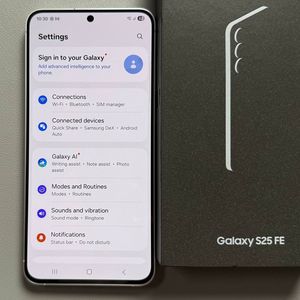
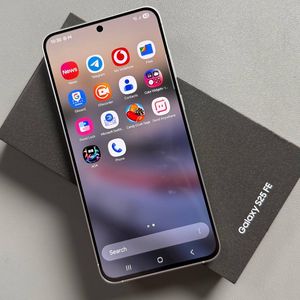
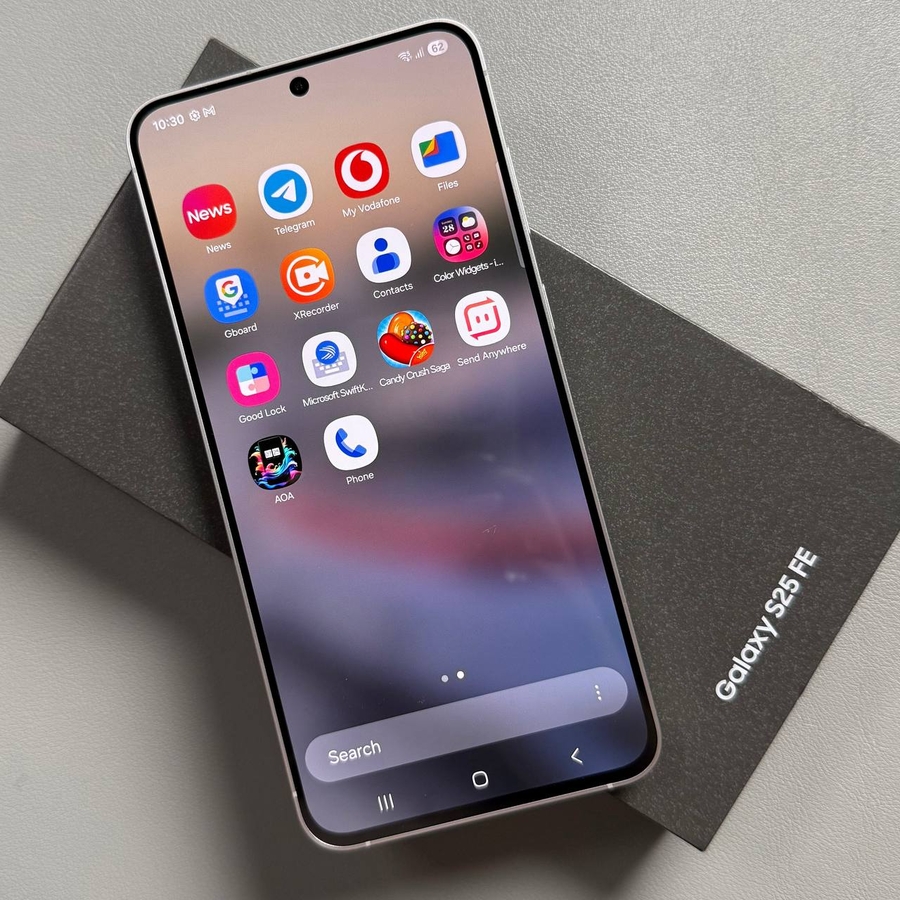
To begin your verification process, start by examining the box that your Samsung Galaxy S25 FE came in. The original packaging should have a slightly glossy finish with a characteristic matte texture. It should not feel too smooth or glossy. The colour should be a deep grey, avoiding any pure black tones. Pay attention to the stickers on the box, including the IMEI numbers and serial number. Original packaging will also have a visible QR code, detailing additional information about your device, such as compatible power adapters and confirming the device was made in Vietnam.


Inspect the Phone's Physical Features
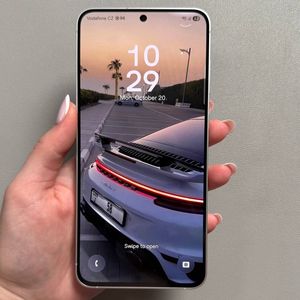
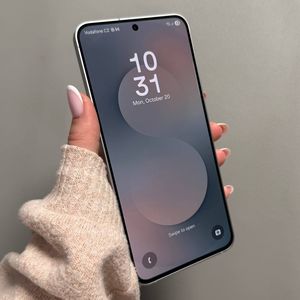
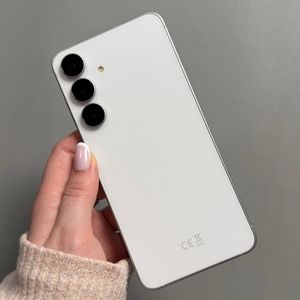
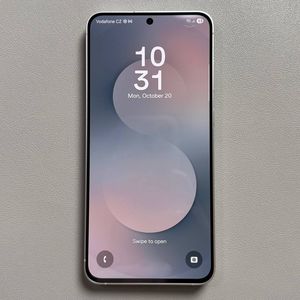
Next, take a closer look at the physical features of your Samsung Galaxy S25 FE. Authentic models have slightly raised camera rings that do not blend entirely with the back casing. The USB Type-C connector should have a small, noticeable plastic frame. Additionally, all buttons should feel solid and metal to the touch, not plasticky or shaky. Finally, check the display; genuine devices have extremely narrow bezels, unlike their counterfeit counterparts that tend to have noticeably thicker frames.


Check Performance Using a Benchmark App
To verify the internal performance specifications of your Samsung Galaxy S25 FE, install a benchmarking app such as Geekbench from the Play Store. Once the app is installed, run the CPU benchmark test. For an original device, you should expect scores around 3,000 for single-core performance and approximately 8,000 for multi-core performance. Significantly lower scores, such as 1,000 for single-core or 3,000 for multi-core, could suggest a counterfeit device.

Utilise the Samsung Members App for Diagnostics
Another reliable method to assess your device's authenticity is by using the Samsung Members app. After launching the app, navigate to the Diagnostic section and run tests on all the phone's components by selecting Phone Diagnostics and opting for Test All. Original devices will successfully complete these tests without any issues, whereas counterfeit devices may not support all testing features.


Verify Using the IMEI Number
For the final verification step, use the IMEI number of your device. On your Samsung Galaxy S25 FE, open the phone dialler and input *#06#. This will display your IMEI numbers along with the serial number. Cross-check these details with those on your device's packaging. Additionally, confirm these numbers in your device settings under About Phone and Status Information. Matching numbers indicate an original device, securing your peace of mind.